Step I
The five documents you may be asked for
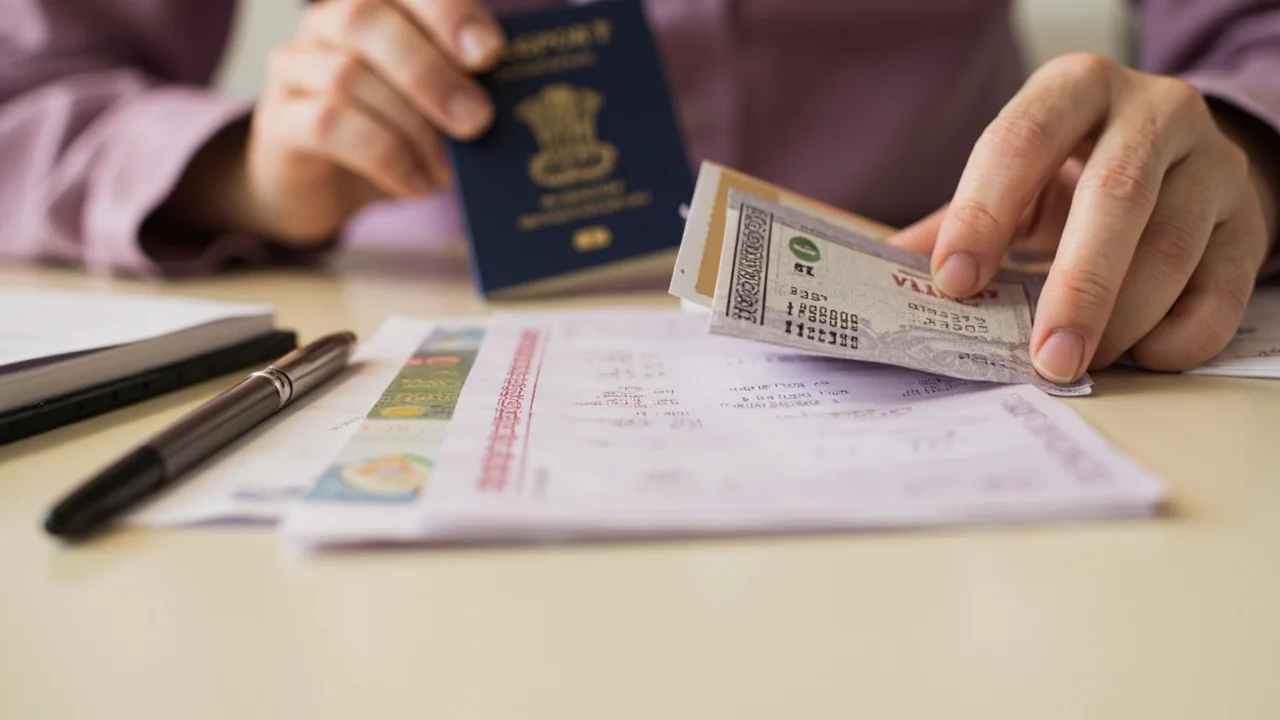
The verification flow on Indian rummy platforms asks for up to five documents. They are published in the help centre; verify them on the operator's page before uploading. The five are:
- PAN card: the primary identity document.
- Aadhaar: used as identity and address proof in some states.
- Address proof: utility bill, bank statement, or Aadhaar.
- Live selfie: captured through the platform's verification screen, matched against the document image.
- Source of funds: bank statement or salary slip, requested above a published threshold.
Step II
The PAN upload, in detail
The PAN upload accepts a clear photograph or scan of the front of the PAN card. The card number must be readable; the operator's verification screen will reject a blurry upload. The name on the PAN must match the account name; mismatches produce an immediate rejection email.
If you are uploading from mobile, ensure good lighting and hold the card flat. If you are uploading from desktop, use a flatbed scanner at 300 DPI rather than a phone camera; the operator's verification screen is more lenient on scans than on phone photos.
Step III
The address proof upload
The address proof is one of: Aadhaar (if not already used for identity), a recent utility bill (electricity, water, gas), or a bank statement. The address on the document must match the registered account address; mismatches produce a rejection.
The document must be recent. Most published rules require the utility bill or bank statement to be no older than 90 days at the time of upload. The verification screen labels the recency requirement clearly.
Step IV
The live selfie and source of funds
The live selfie is captured through the platform's verification screen, using the device camera. The system matches the live image against the document image; mismatches produce a rejection. The source-of-funds upload is requested above a published threshold and may be a bank statement or salary slip.
The threshold for source-of-funds verification is operator-specific. On mostbet, the published threshold at the time of writing is ₹10,000 cumulative deposit. Verify on the operator's help-centre page before relying on any number.
Step V
What happens after rejection
If a document is rejected, the operator emails a rejection reason within the published response window (commonly 24 hours). The rejection reason is specific: blurry upload, name mismatch, address mismatch, expired document. Read the reason, fix the document, and re-upload through the same verification screen.
If the rejection persists after a second upload, write to the support desk with the rejection email and the document you attempted to upload. The support desk will review the case manually and publish a resolution within the published response window.
Step VI
The next step
Once verification is complete, the "join table" action in the lobby is ungated. The deposit rails become active, and you can read the bonus terms on the bonus terms page before accepting. The responsible play note on this desk is mandatory reading before any deposit.
Step VII
The address proof, in detail
The address proof is one of: Aadhaar (if not already used for identity), a recent utility bill (electricity, water, gas), or a bank statement. The address on the document must match the registered account address; mismatches produce a rejection.
The document must be recent. Most published rules require the utility bill or bank statement to be no older than 90 days at the time of upload. The verification screen labels the recency requirement clearly. If you upload an expired document, the operator will reject; the rejection email will name the document and the recency requirement.
If you have moved recently and your utility bill is at the old address, the bank statement is the easier option. Most banks publish a downloadable statement that includes the current address and a 30-day transaction history. The verification screen accepts a PDF download.
Step VIII
The live selfie, in detail
The live selfie is captured through the platform's verification screen, using the device camera. The system matches the live image against the document image; mismatches produce a rejection. The matching is operator-published and uses facial recognition; verify on the help-centre page before assuming.
Practically, that means good lighting, a neutral background, and removing any hat or sunglasses. The verification screen will guide you through the capture process; if the capture fails, the system will ask for a re-capture. Do not use a pre-recorded selfie; the system detects liveness.
If the live selfie is rejected, the rejection email will name the issue (lighting, liveness, mismatch). Read the rejection email, fix the issue, and re-capture through the same verification screen. Most rejections are fixable on the second attempt.
Step IX
What happens after verification
Once verification is complete, the "join table" action in the lobby is ungated. The deposit rails become active, and you can read the bonus terms on the bonus terms page before accepting. The responsible play note on this desk is mandatory reading before any deposit.
Verification status persists across sessions; you do not need to re-verify each time you log in. If your verification is rejected and you do not re-verify, the "join table" action remains gated. Write to the support desk if you cannot complete the verification within a published response window.
Step X
Source of funds, in detail
The source-of-funds upload is requested above a published threshold and may be a bank statement or salary slip. The threshold for source-of-funds verification is operator-specific; on mostbet, the published threshold at the time of writing is ₹10,000 cumulative deposit. Verify on the operator's help-centre page before relying on any number.
The bank statement must be a recent download from your bank's portal; the verification screen accepts PDF downloads. The salary slip must be a recent payslip with your name and employer visible. The source-of-funds upload is the last step in the verification flow; once accepted, the verification is complete.
If the source-of-funds upload is rejected, the rejection email will name the issue (insufficient recent transactions, name mismatch, document expired). Read the rejection email, fix the issue, and re-upload through the same verification screen. Most rejections are fixable on the second attempt.
Step XI
Why verification exists
Verification exists because the Information Technology (Intermediary Guidelines and Digital Media Ethics Code) Rules require verifiable registration for online real-money games. The rules apply to skill-games, fantasy sports, and other real-money gaming formats operating in India. KYC at registration is the baseline.
The verification flow also protects the operator from money laundering and from fraud. The PAN-based identity check, the address proof, the live selfie and the source-of-funds upload are all standard anti-fraud measures. The desk does not publish opinions on whether the measures are excessive or insufficient; we publish that they exist and that they are required.
If you have a question about the verification flow that is not answered on this page or the help-centre page, write to the operator's support desk. The desk publishes the operator's support channels on the contact page as a redirect only.
Step XII
The next chapter
Once verification is complete, the "join table" action in the lobby is ungated. The deposit rails become active, and you can read the bonus terms on the bonus terms page before accepting. The responsible play note on this desk is mandatory reading before any deposit.
Step XIII
The verification timeline, in summary
The verification timeline on mostbet and similar platforms is approximately: PAN upload is processed within 4 hours of receipt; address proof is processed within 4 hours; live selfie is processed within 1 hour; source-of-funds upload (above the published threshold) is processed within 24 hours. The total timeline from first upload to full verification is approximately 24-48 hours in the desk's test.
If any step is rejected, the timeline extends by the time you take to re-upload. The operator publishes a rejection-response window; re-uploads are processed in the same window. Most rejections are fixable on the second attempt.
The timeline is operator-published; verify on the help-centre page before relying on any number. The desk publishes the approximate timeline as a research note, not as a guarantee.